I forgot my password
Locked out? You can reset your password yourself in under a minute — no support ticket needed.
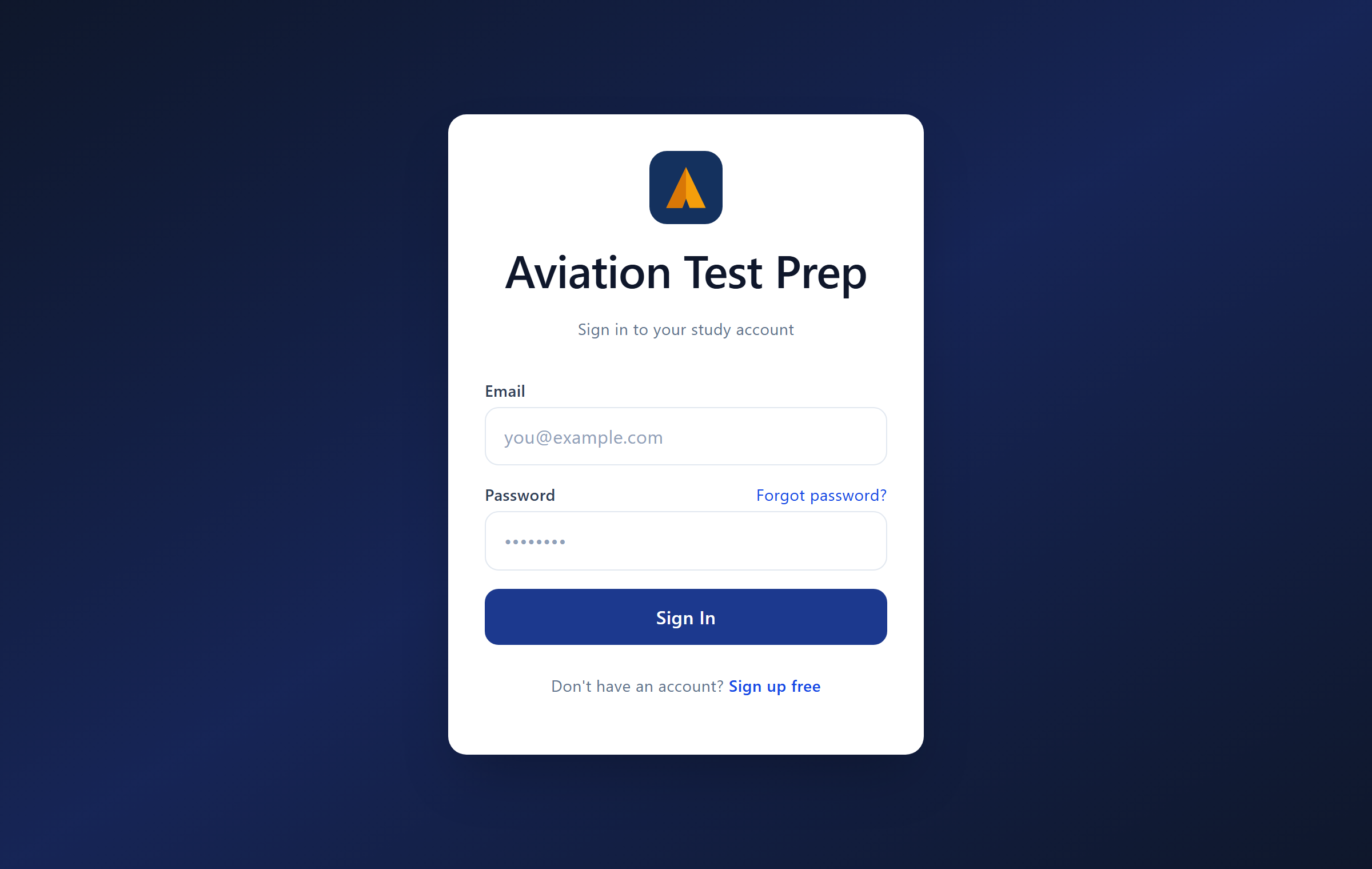
1. Tap “Forgot password?” on the login screen
On the sign-in page, the Forgot password? link sits right next to the Password field.
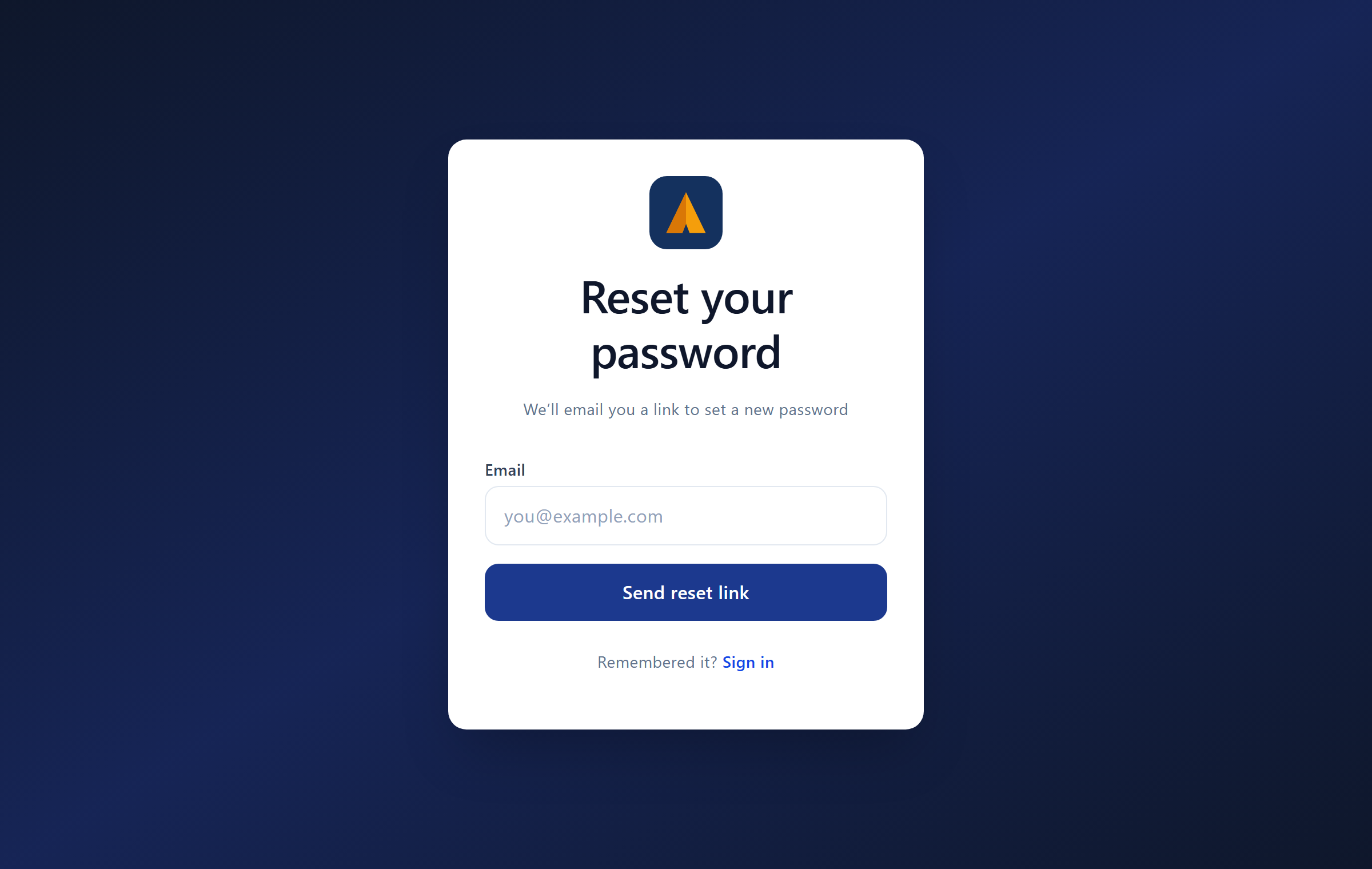
2. Enter your email and send the link
Type the email address on your account and tap Send reset link.
3. Check your email and click the link
Yes — we email you a secure reset link, and you click that link to continue. It usually arrives within a minute or two. If you don't see it, check your spam/junk folder and add support@aviationtestprep.com to your contacts. The link expires in about an hour for security — if it lapses, just request a new one.
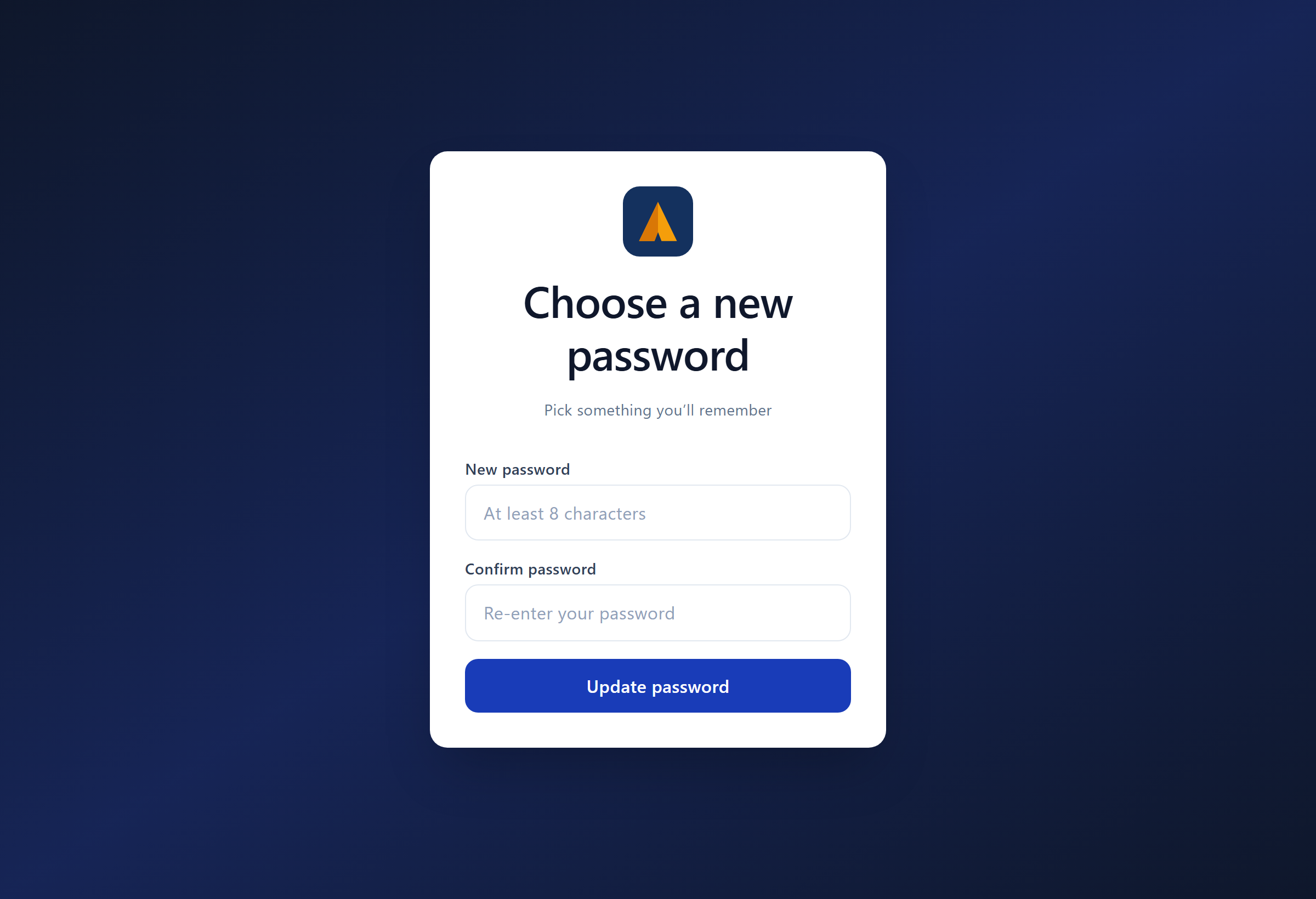
4. Choose a new password
Clicking the link opens the “Choose a new password” page. Enter a new password (at least 8 characters), confirm it, and tap Update password — you'll be signed straight in.
Already signed in and just want to change it? You can update your password anytime from your Account settings.
Related Articles
Your account, password & data
Password Forgot your password? Use the Forgot password link on the login page — you'll get a reset email. (Emails come from noreply@aviationtestprep.com; check spam if you don't see it within a few minutes.) Account details Update your name, email, ...How do I change my email or password?
Update your name and email in Account settings. To change your password, sign out and use "Forgot password?" on the login screen to get a secure reset link, or update it from your account page if you're signed in.Login isn’t working
Double-check the email and password (it's case-sensitive). If you signed up but never confirmed, use the confirmation link in your welcome email. Otherwise reset your password with "Forgot password?". If it still fails, contact support with the email ...Smart Review (spaced repetition)
Smart Review uses spaced repetition — a memory technique that brings a question back right before you'd forget it, at growing intervals. Get one right and it reappears further out; miss it and it comes back sooner. Over a few weeks this moves ...How to get started
Welcome to Aviation Test Prep. Here's how to go from zero to studying in about a minute. 1. Create your free account Sign up with your email and a password — no credit card required. If you arrived from the free practice test, your email is carried ...