Manage or cancel your subscription
You're in control of your subscription from one place: Settings → Billing.
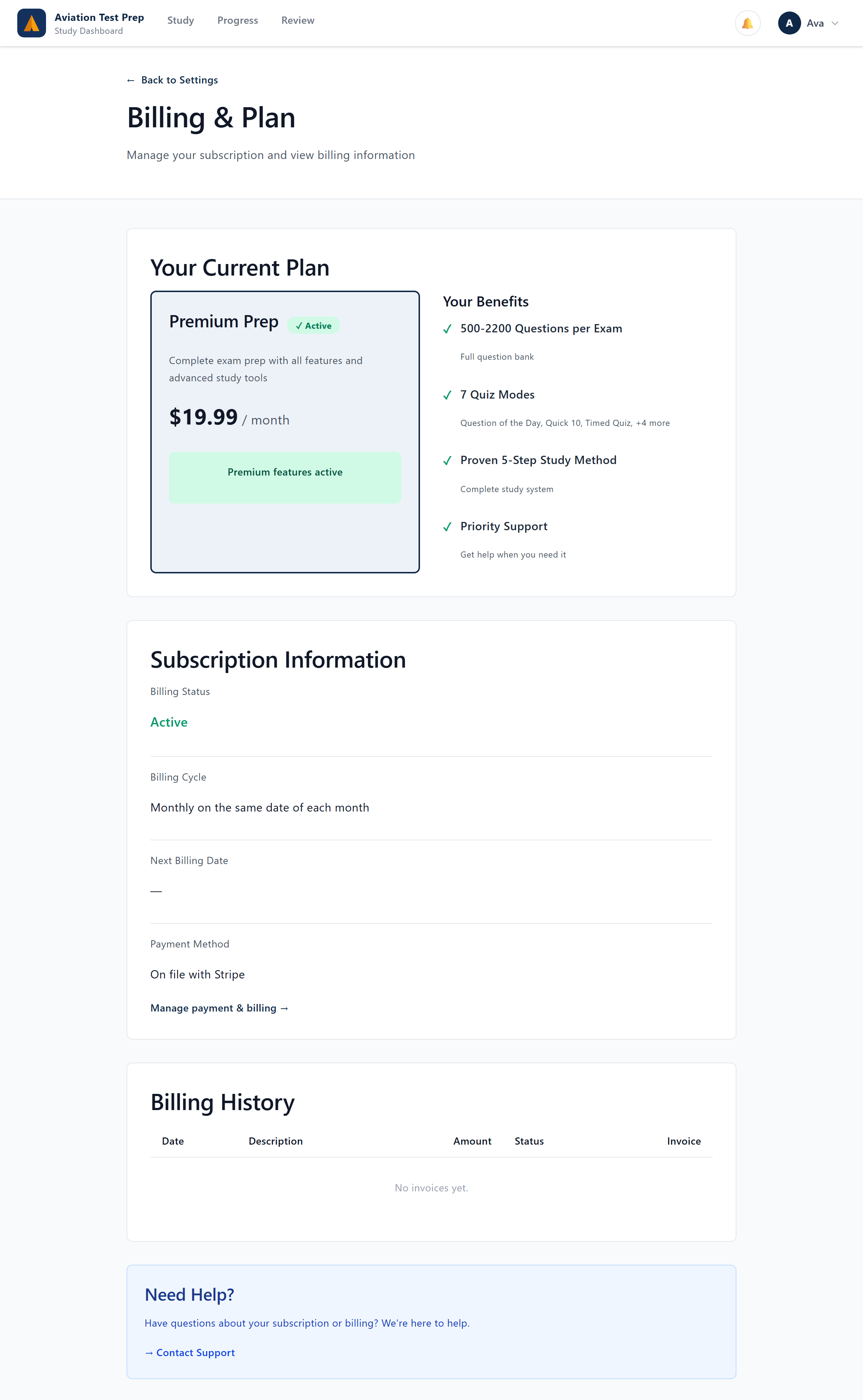
Update or cancel
- Update payment / change plan — manage your card and switch between monthly, quarterly, and annual.
- Cancel anytime — if you cancel, you keep Premium until the end of your current billing period, then return to the free 40-question set. Your progress and history are always preserved.
Refunds & the Pass Guarantee
Need a refund? Contact support — website purchases are handled case by case, and App Store / Google Play purchases follow those stores' refund processes. Studying on Quarterly or Annual? You're also covered by our Pass Guarantee: meet the criteria and don't pass, and we add three more months of Premium free. A refund ends Premium access; your study history stays intact either way.
Related Articles
How do I cancel my subscription?
You can cancel anytime from Account → Billing (web). Your Premium access continues until the end of the period you've already paid for — there's no cancellation fee. If you subscribed through the Apple App Store or Google Play, cancel in that store's ...I subscribed in the app — how do I manage billing?
Subscriptions purchased inside the iOS or Android app are managed by Apple or Google, not us. Open your device's Subscriptions settings (Apple ID or Google Play account) to change the plan, update payment, or cancel. Web purchases are managed in ...If I cancel, do I lose my progress?
Your account, history, and progress remain after you cancel — you simply return to the free plan (40-question preview and free tools) when the paid period ends. Resubscribe anytime and pick up where you left off.Manage or turn off email notifications (incl. the weekly progress email)
Aviation Test Prep can send you a weekly progress email — a short study summary with how many questions you answered, your accuracy, your current streak, and where to focus next. It goes out every Monday. You're always in control of whether you ...Can I study for more than one exam?
Yes. A Premium subscription unlocks every exam in the catalog, not just one — useful if you're working toward several ratings. Use the Exams screen to switch your active exam; your progress is tracked separately per exam. On the free plan you can ...